Stack up against Figma

Compare Your Deck

Figma's 2012 Pitch Deck

SaaS
Stage: Pre-seed
Raised: $3.8M
Year: 2012
Slides: 29
Outcome: Acquired by Adobe for $20B (cancelled)

Pitch Deck

1 / 29
Slide 1
Click to expand

Deck Analysis

This deck is an early pre-seed presentation for Figma (2012), showing a founder-led, demo-heavy narrative focused on technical capability, target users, and a clear product roadmap. Notable for blending deep technical demos (image matting, blending, color manipulation) with simple, customer-focused value props (accessible, connected, education), the deck signals that the team’s strength is in shipping visual tools that make complex graphics work approachable in the browser. For founders, this is a useful example of pairing credibility-building technical demonstrations with straightforward go-to-market positioning and a lean milestone plan.

Team & Founders — establishing credibility up front

Team & Founders — establishing credibility up front

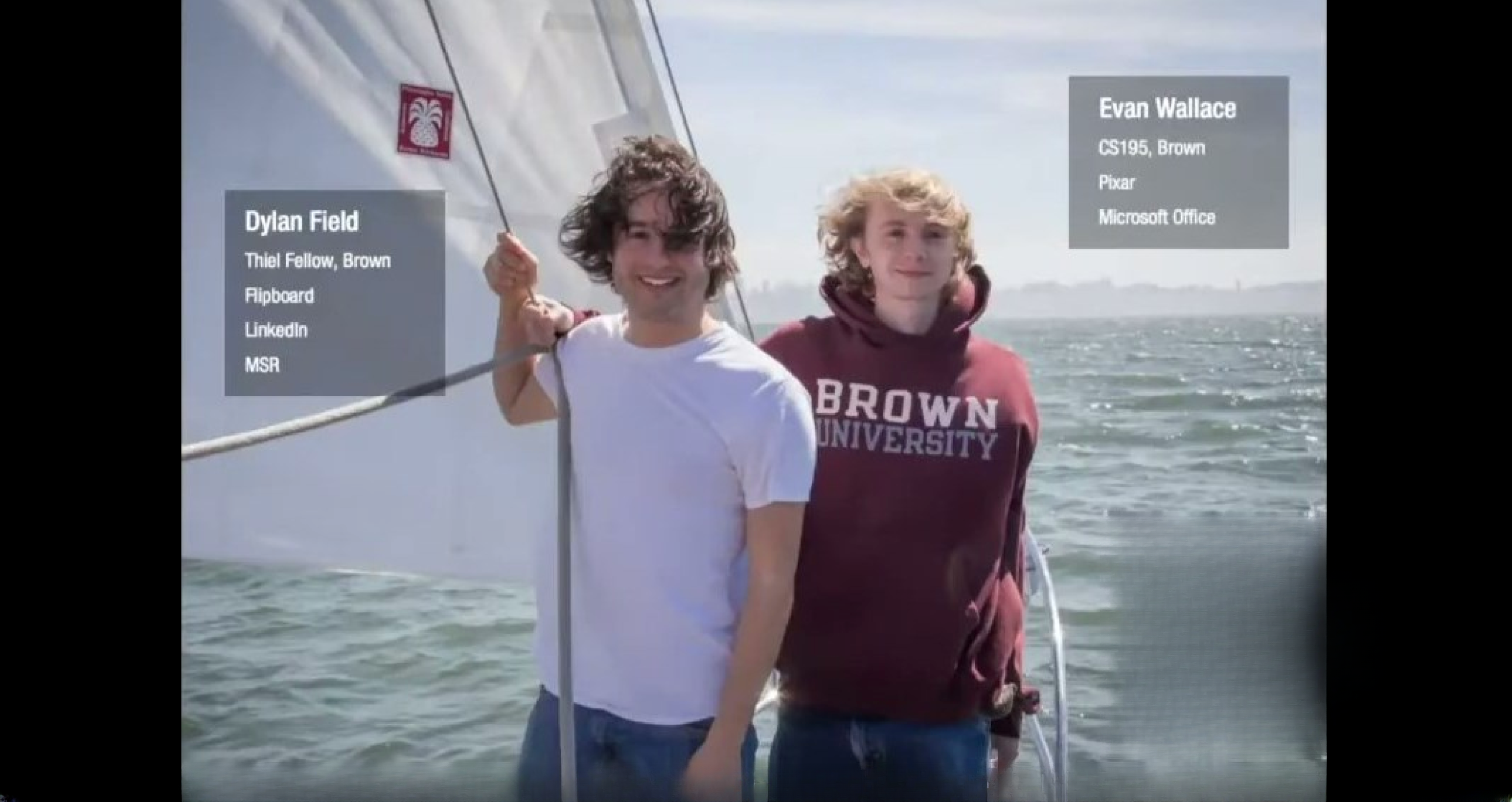
Slide 1 opens with a photographic, human introduction of the founders and short badges of pedigree (schools, companies). The visual is informal but communicates who the founders are and where they came from — a concise trust signal without a verbose bio. For pre-seed decks this approach works well: it gives investors quick context on technical and network credibility while keeping attention on the product story that follows.

The slide balances personalities and succinct credentials rather than long resumes. Founders should learn to surface a few high-impact signals (relevant past employers, technical fellowships, or startup exits) that align with the product’s risk (technical risk, distribution risk, etc.) and to do so in a single glanceable frame that sets the stage.

Key Takeaway: Lead with a short, visual founder slide that signals credibility relevant to the product (technical chops, domain experience) without overwhelming the deck with CV detail.
Process & Early Design Work — showing craft and iteration

Process & Early Design Work — showing craft and iteration

Slide 3 shows stacks of paper prototypes, wireframes and printed screens — a tactile view into iterative design practice. This communicates that the team is doing real design work, iterating on flows and UX before coding, which is especially important for a product in the creative tooling space. It reassures investors that the approach is user-centered and not merely an engineering demo.

The lesson for founders is to surface signals of process maturity early: prototypes, user testing artifacts, or screenshots of early flows. These assets demonstrate product thoughtfulness and reduce perceived execution risk by showing that features are designed and validated rather than ad-hoc.

Key Takeaway: Include concrete artifacts that show iterative design and user-centered development — prototypes speak to process and reduce execution risk.
Product Value Props — accessible, connected, educational

Product Value Props — accessible, connected, educational

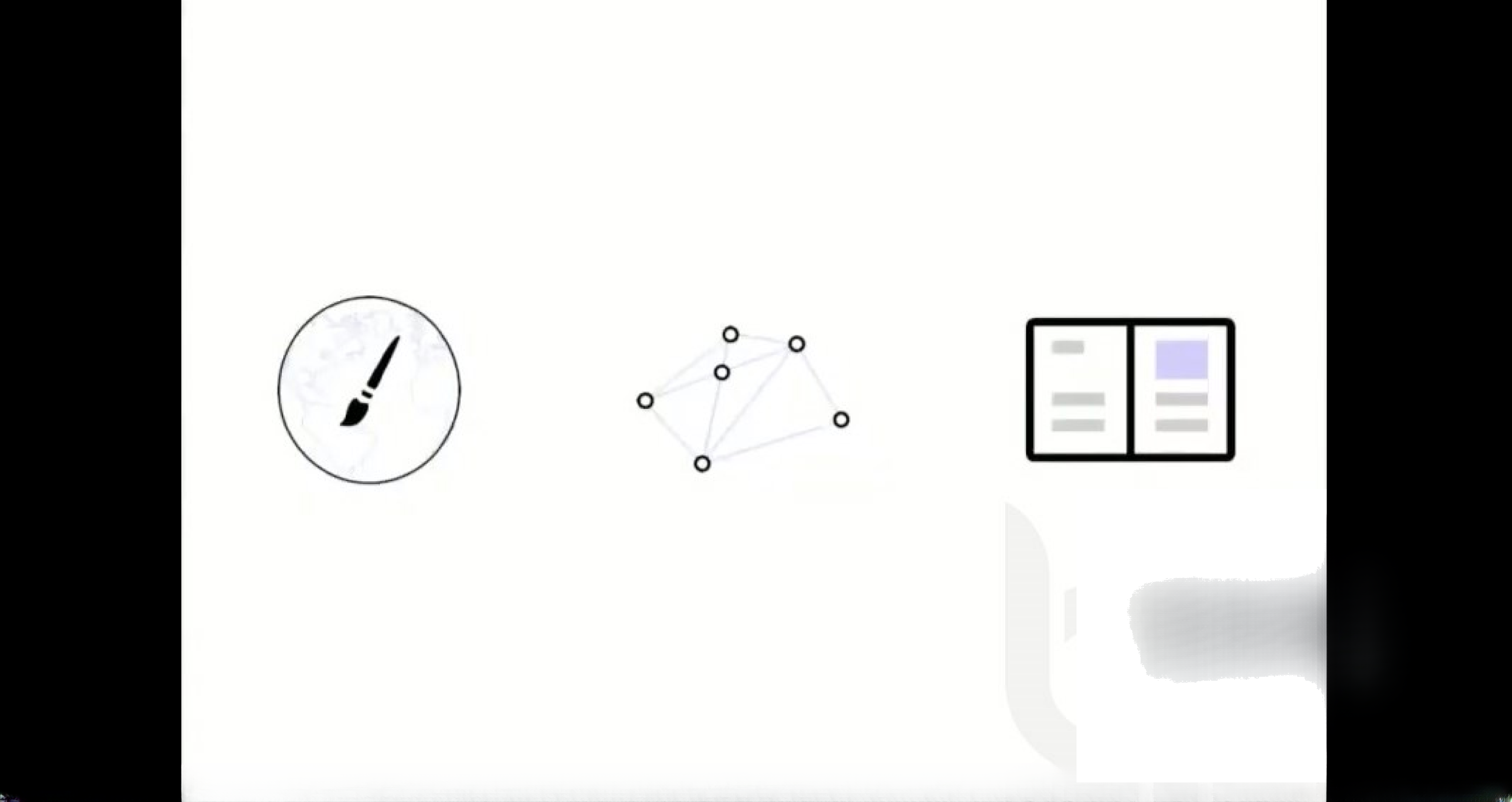
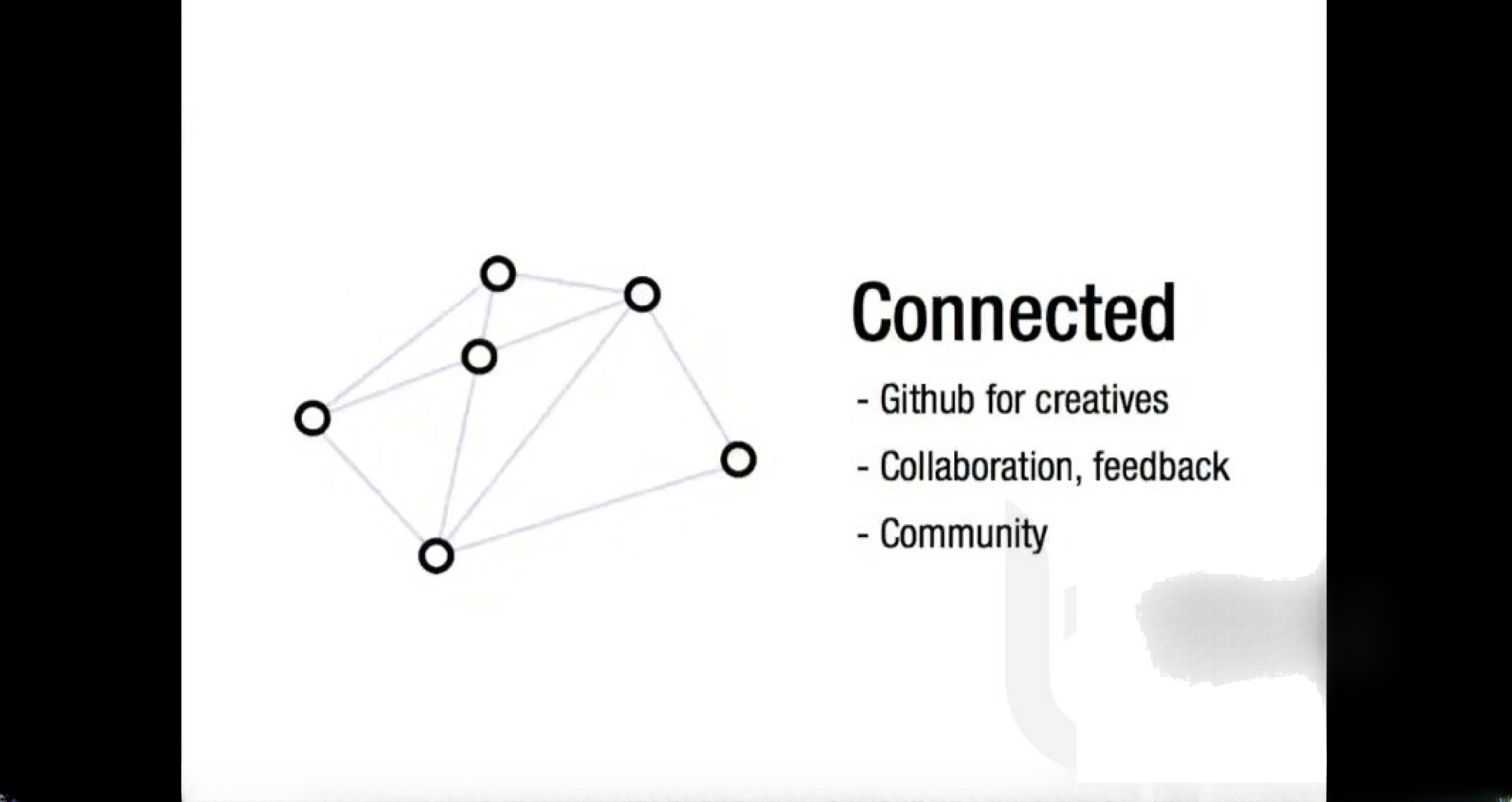
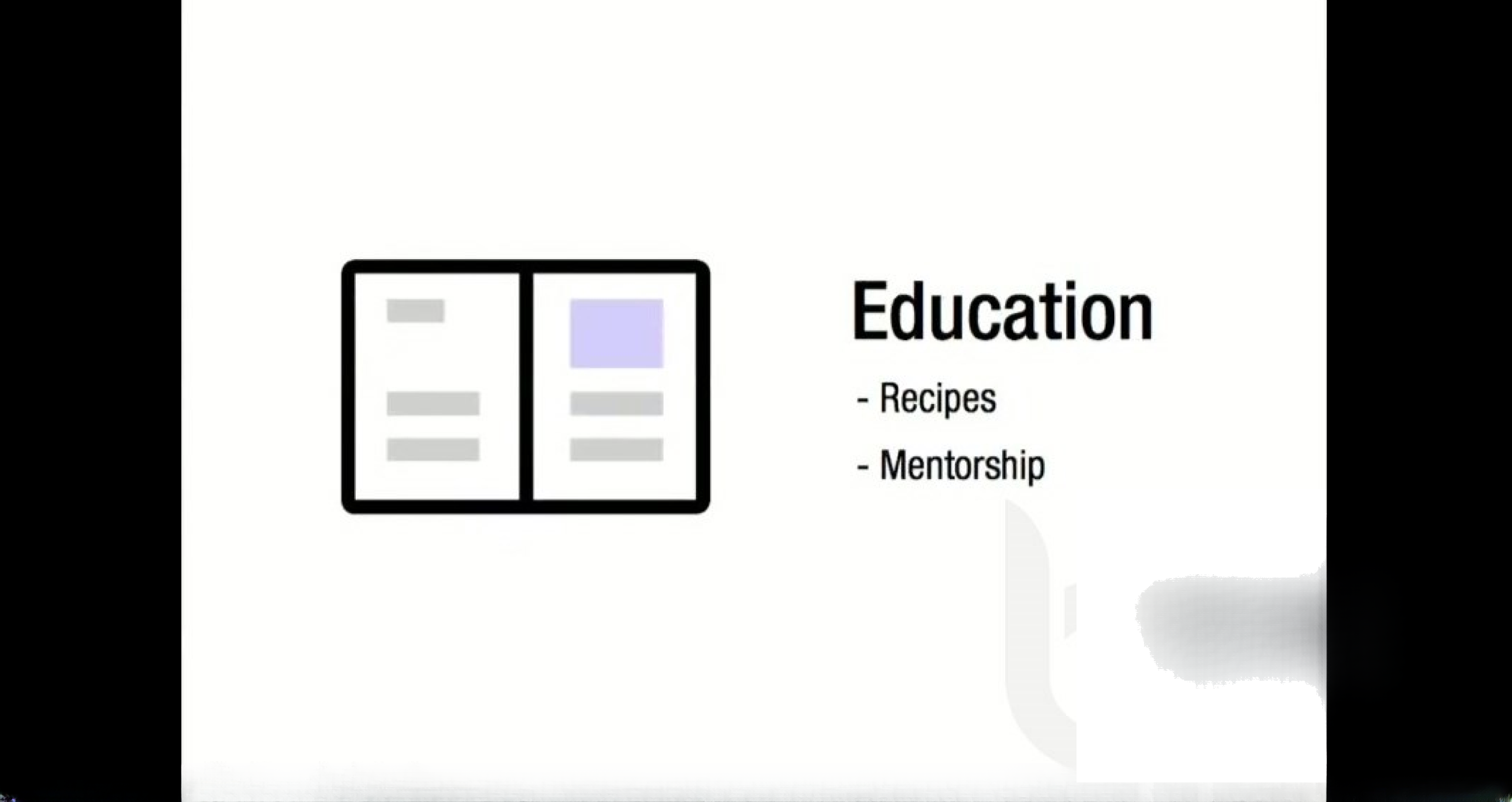
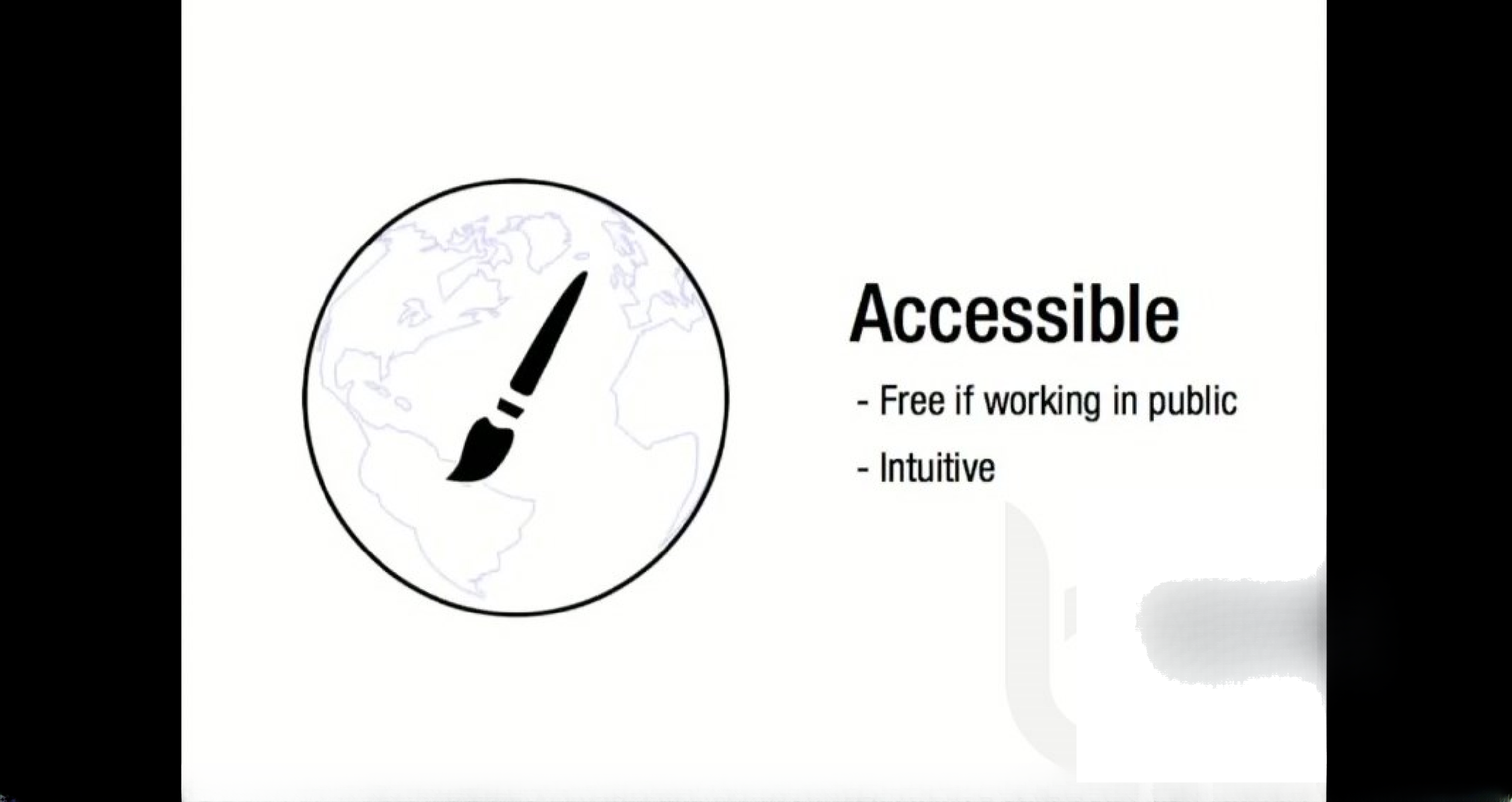
Slides 6–8 present three clean value propositions: Accessible (free if public, intuitive), Connected (collaboration, Github-like features, community), and Education (recipes, mentorship). These are shown with minimalist icons and short bullets, which makes the claims easy to scan and repeat. Rather than dense paragraphs, this section maps product capabilities to user benefits: lowering the barrier to entry, enabling collaboration, and providing learning resources for growth.

The clarity here is instructive: boil product advantages down to 2–3 crisp, distinct pillars that speak to different buyer/user motivations. For founders, the takeaway is to craft a short list of differentiated benefits (what users gain) and avoid feature lists that don’t translate into user value. Also, pairing each claim with a simple icon increases recall during an investor Q&A.

Key Takeaway: Frame your product as 2–3 differentiated pillars that map directly to user outcomes, and present them with minimal text and strong visual anchors.
Technical Demos — using live examples to prove feasibility

Technical Demos — using live examples to prove feasibility

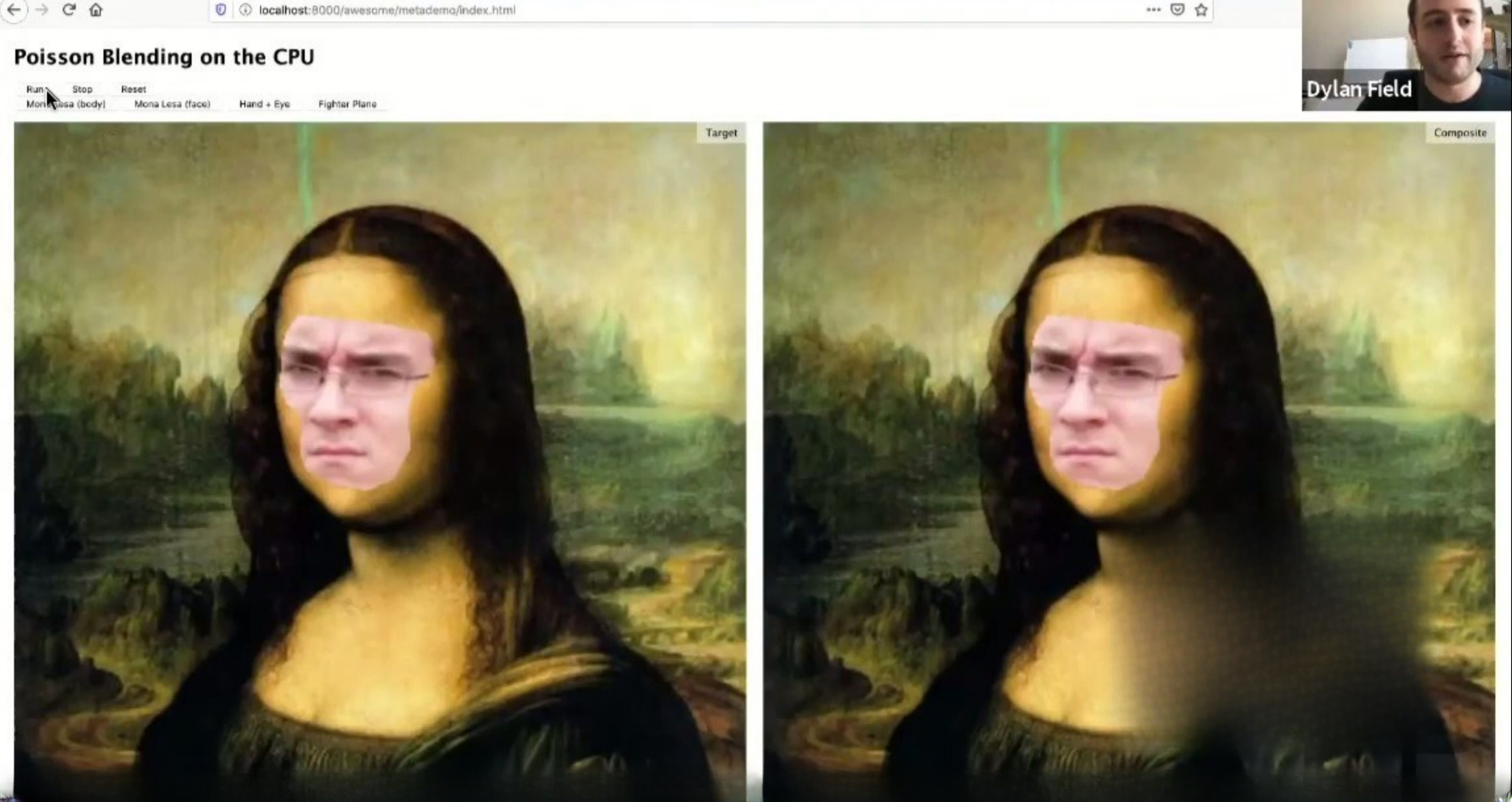
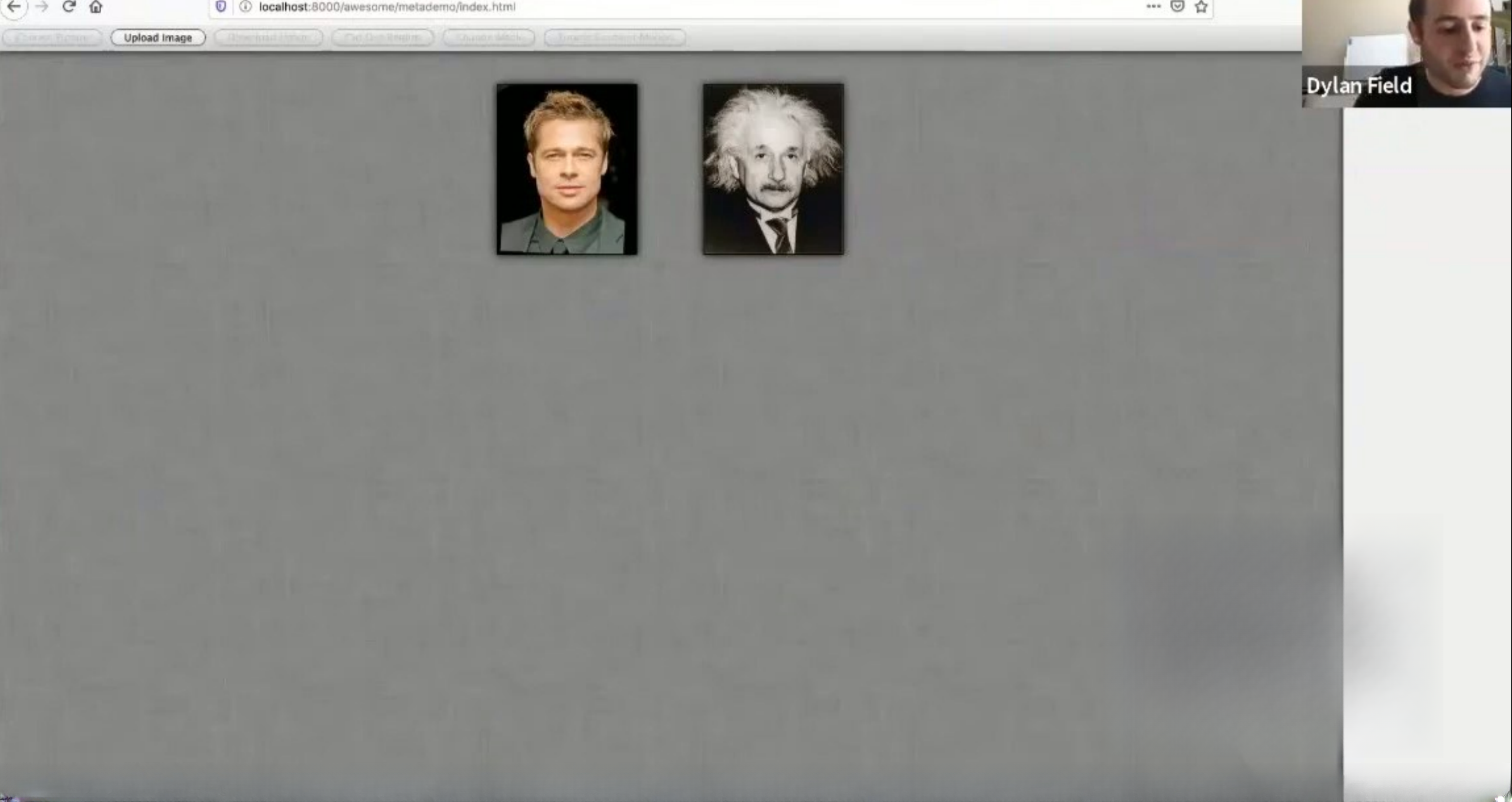
Slide 9 (Poisson blending demo) and the sequence of demo slides show algorithmic blending and compositing running in a browser context. Rather than describing technical achievements abstractly, the deck uses before/after visuals (Mona Lisa face swap, fighter jet composite) to make technical claims tangible. For a product where perceived quality and responsiveness matter (graphics tools), seeing working demos dramatically reduces technical skepticism.

This tactic is powerful but high-risk: demos must be reliable and represent real product capability. Founders should use short, repeatable demos that highlight core differentiation (speed, quality, browser-native behavior) and avoid one-off tricks that can’t be reproduced. When possible, capture short videos or screenshots of the demos inside a controlled environment to ensure reproducibility during investor meetings.

Key Takeaway: Use concise, high-impact demos to prove core technical claims — show what users will experience rather than only describing it.
Solving Hard UX Problems — image matting and edge cases

Solving Hard UX Problems — image matting and edge cases

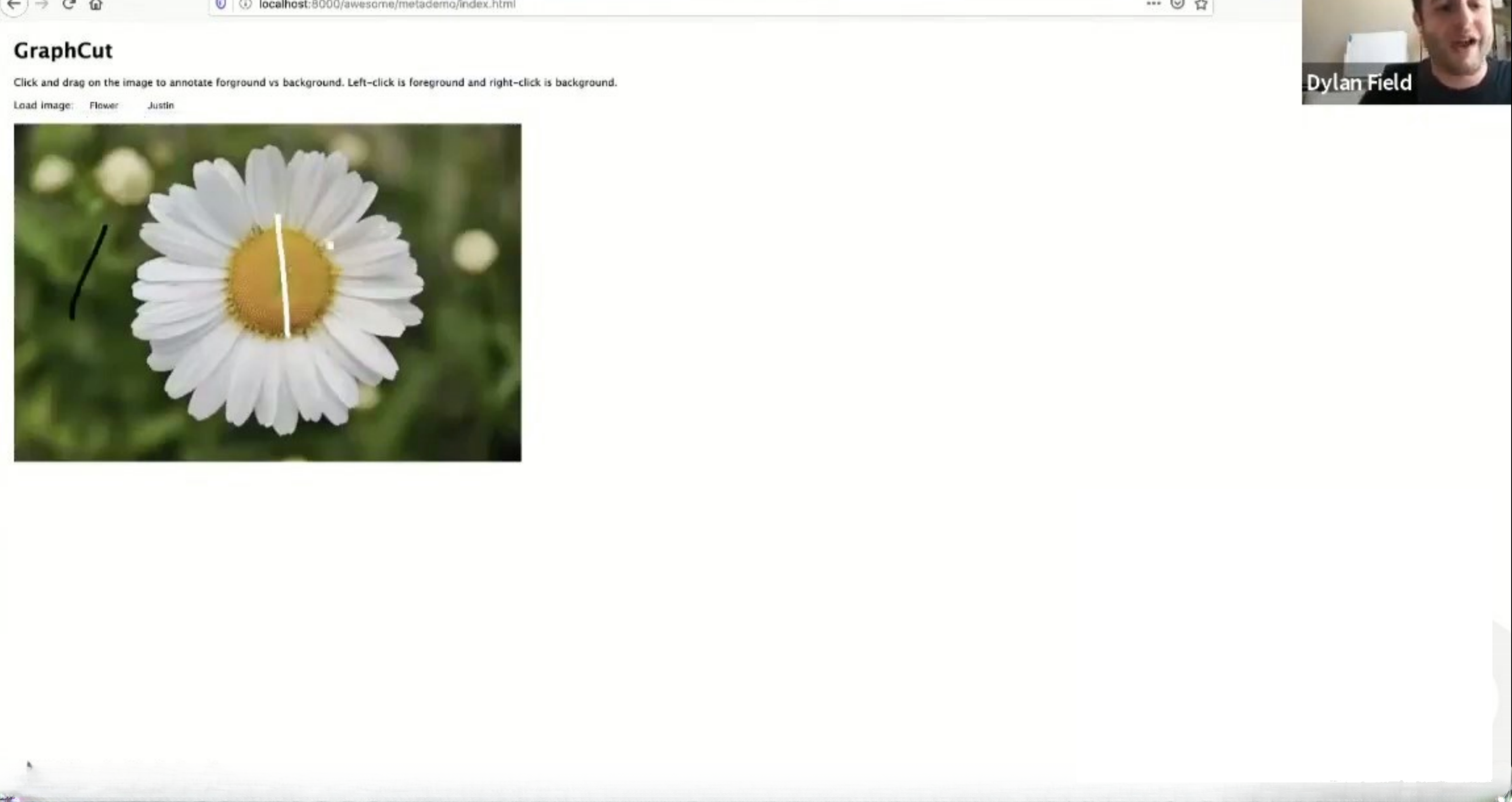
Slide 16 shows advanced image matting (a dog image and matte) and subsequent slides demonstrate handling of hair, transparent edges and fine-grain alpha which are notoriously hard problems in graphics. By surfacing examples with tricky boundaries (fur, hair, motion blur), the team signals that their core algorithms handle real-world edge cases rather than only idealized inputs. This builds confidence that the product can be relied upon in professional workflows.

Founders building tools should similarly surface success on hard, representative examples that customers care about. Highlighting difficult edge cases and showing solid results differentiates basic implementations from production-grade systems. If you claim to solve a technical pain point, show it working on the hardest, most common real inputs customers will bring.

Key Takeaway: Demonstrate robustness on real-world edge cases — investors and users care that solutions work on messy, production inputs.
User Interface & Workflow — the edit environment and tooling

User Interface & Workflow — the edit environment and tooling

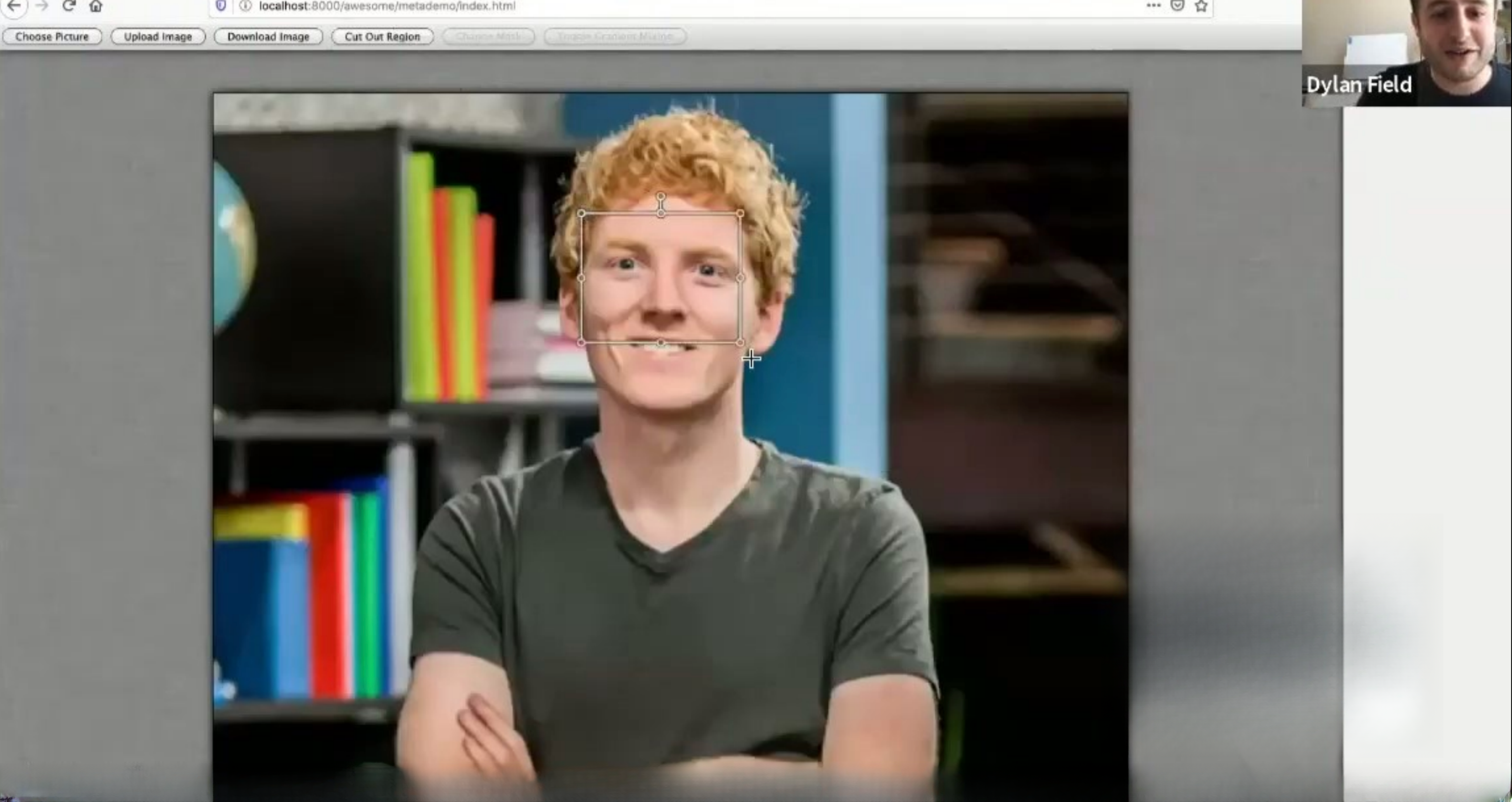
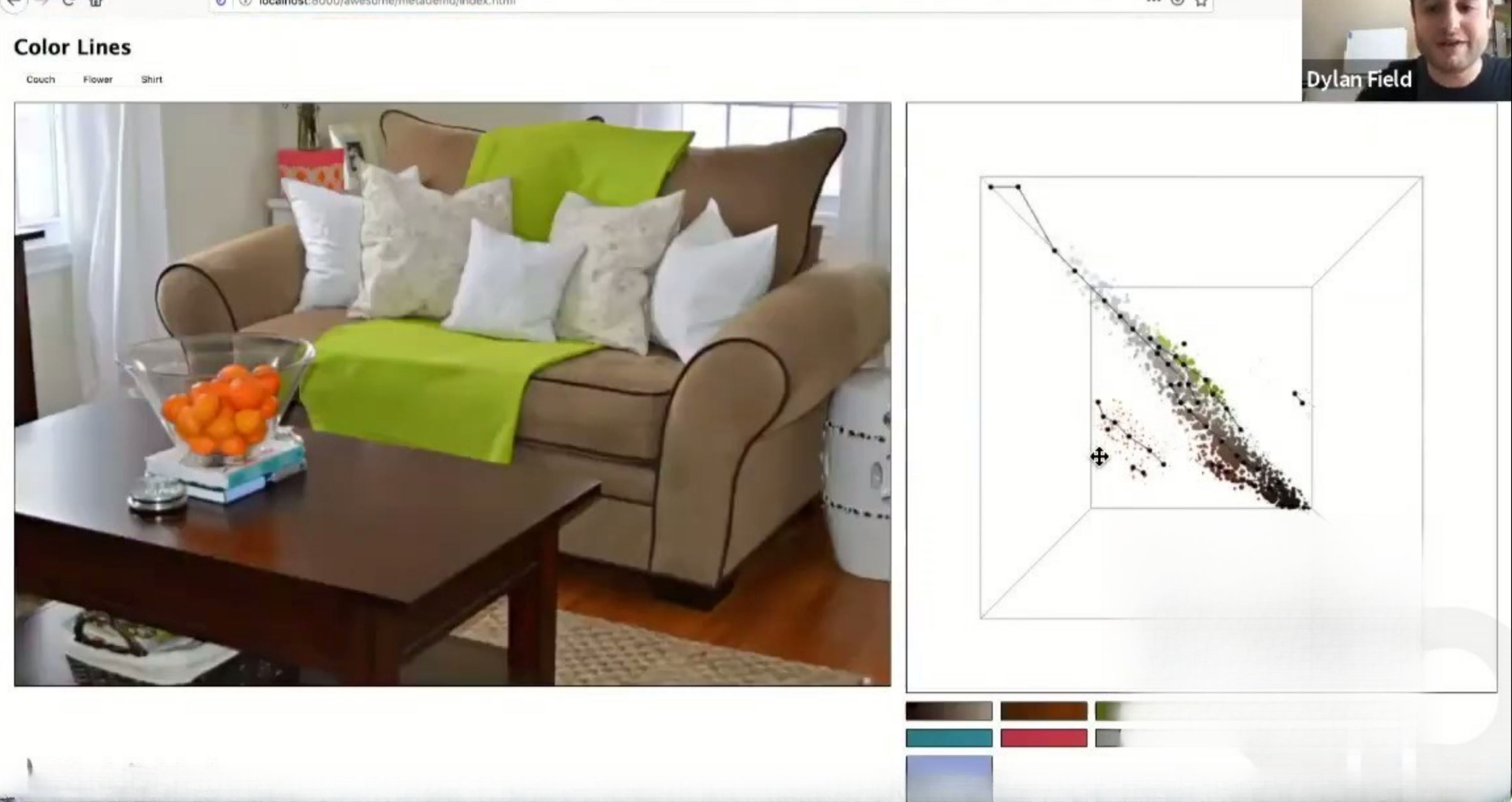
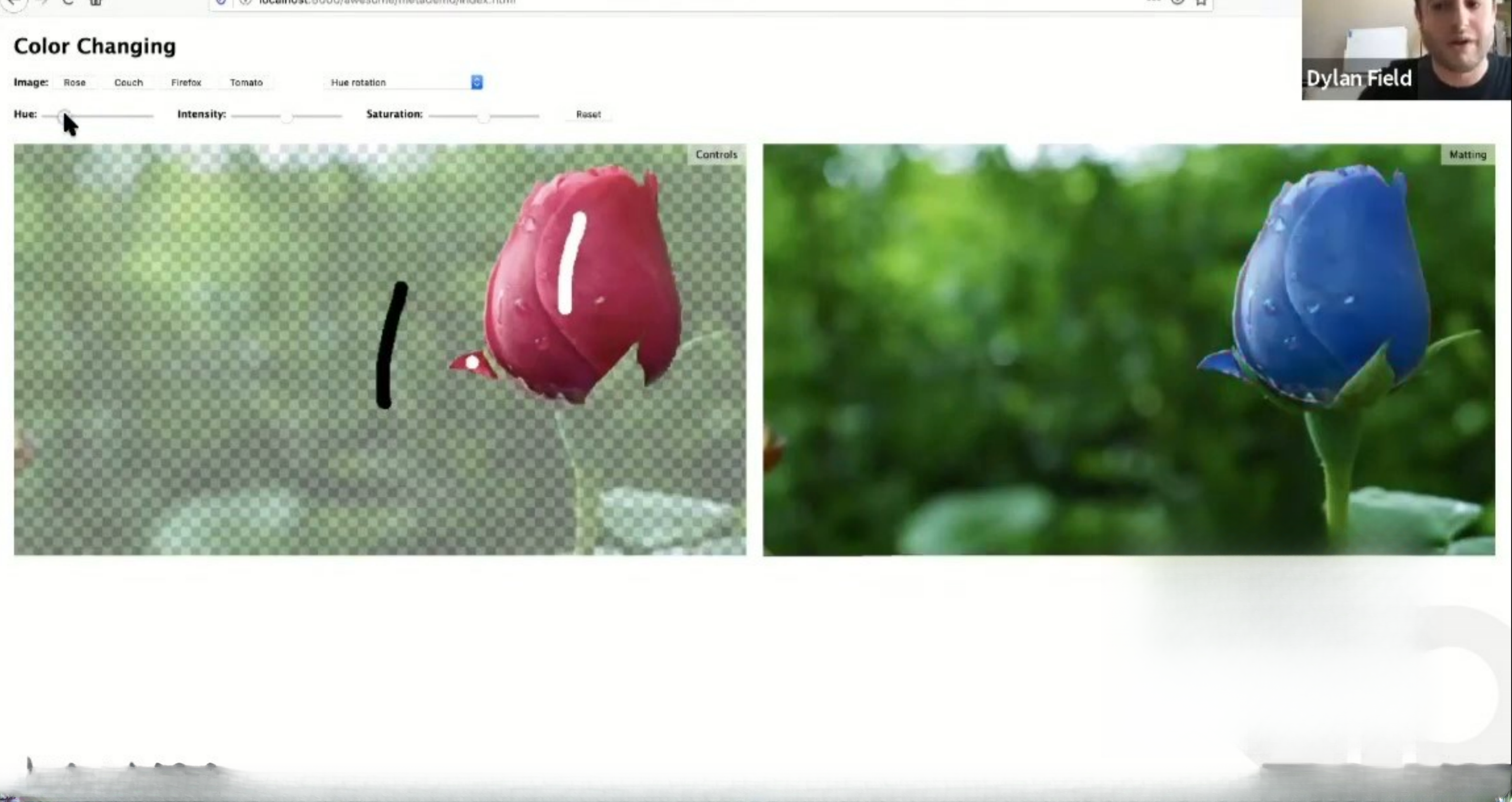
Slide 21 (the editing UI with sliders and tools) showcases a clean, Photoshop-like UI but simplified for the web, which speaks directly to accessibility and adoption. The screenshots of brush tools, color controls and clone/heal workflows give a sense of the product’s ergonomics: familiar metaphors with web-native constraints. That helps investors understand how users transition from desktop apps to the product and how friction will be reduced.

For founders, prioritizing a few high-value workflows and polishing them for UX clarity is more persuasive than a laundry list of features. Show how the UI reduces cognitive load and accelerates common tasks — investors can infer retention and adoption signals from how intuitive and familiar the interface appears.

Key Takeaway: Show concrete, familiar workflows in your UI—investors infer adoption potential from polished, intuitive interactions.
Roadmap & GTM — timing, milestones and scaling hires

Roadmap & GTM — timing, milestones and scaling hires

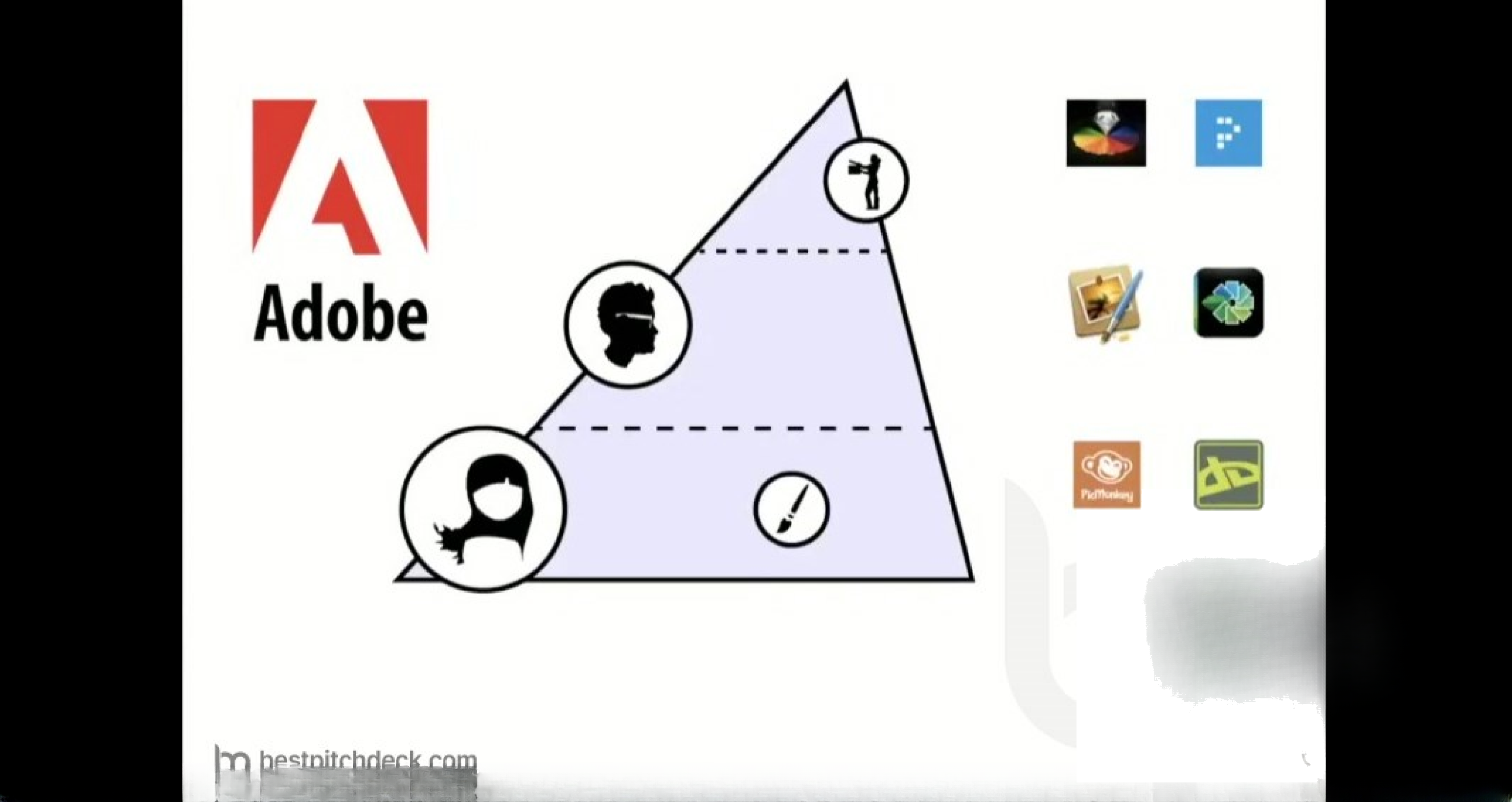
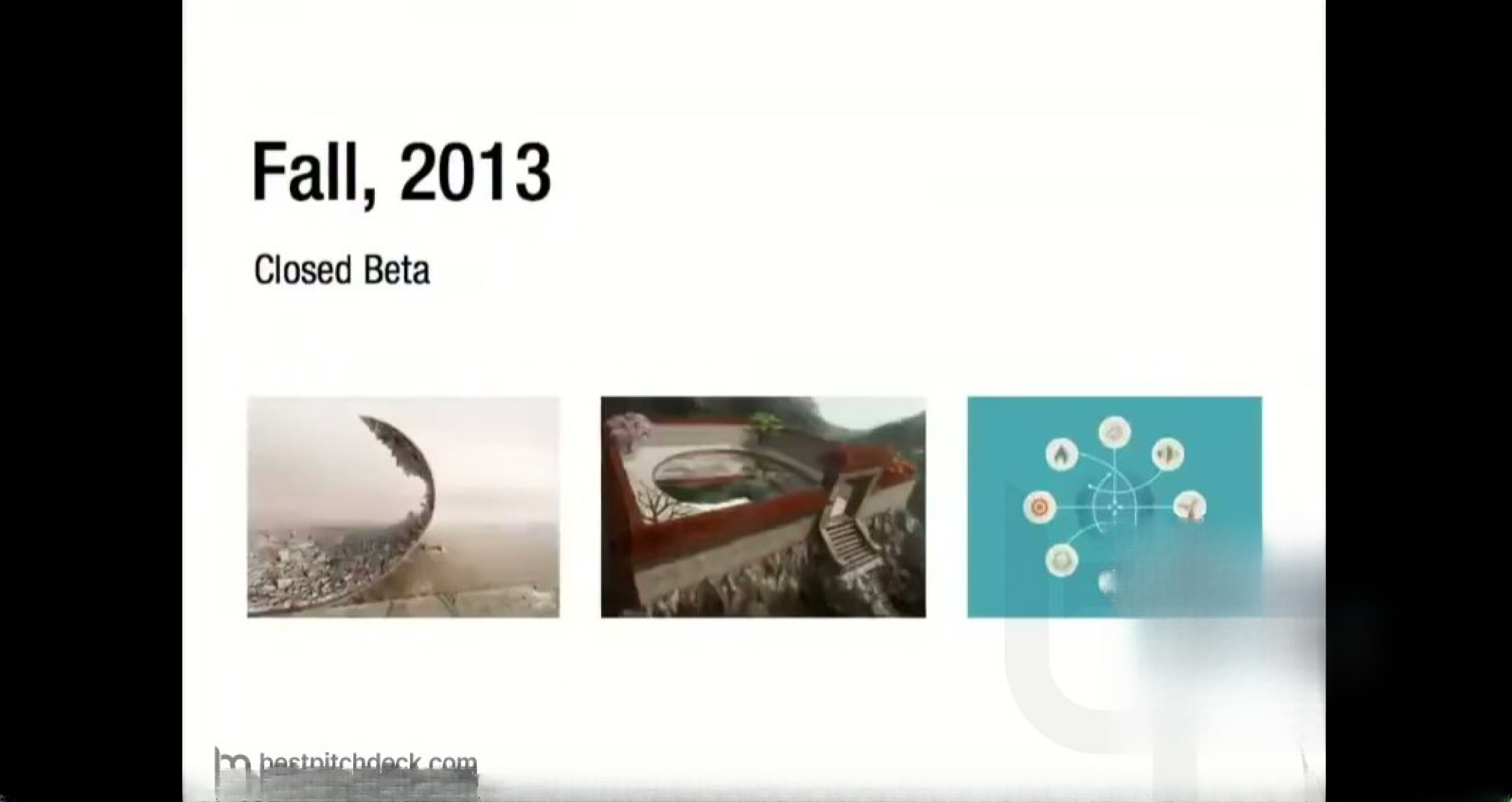
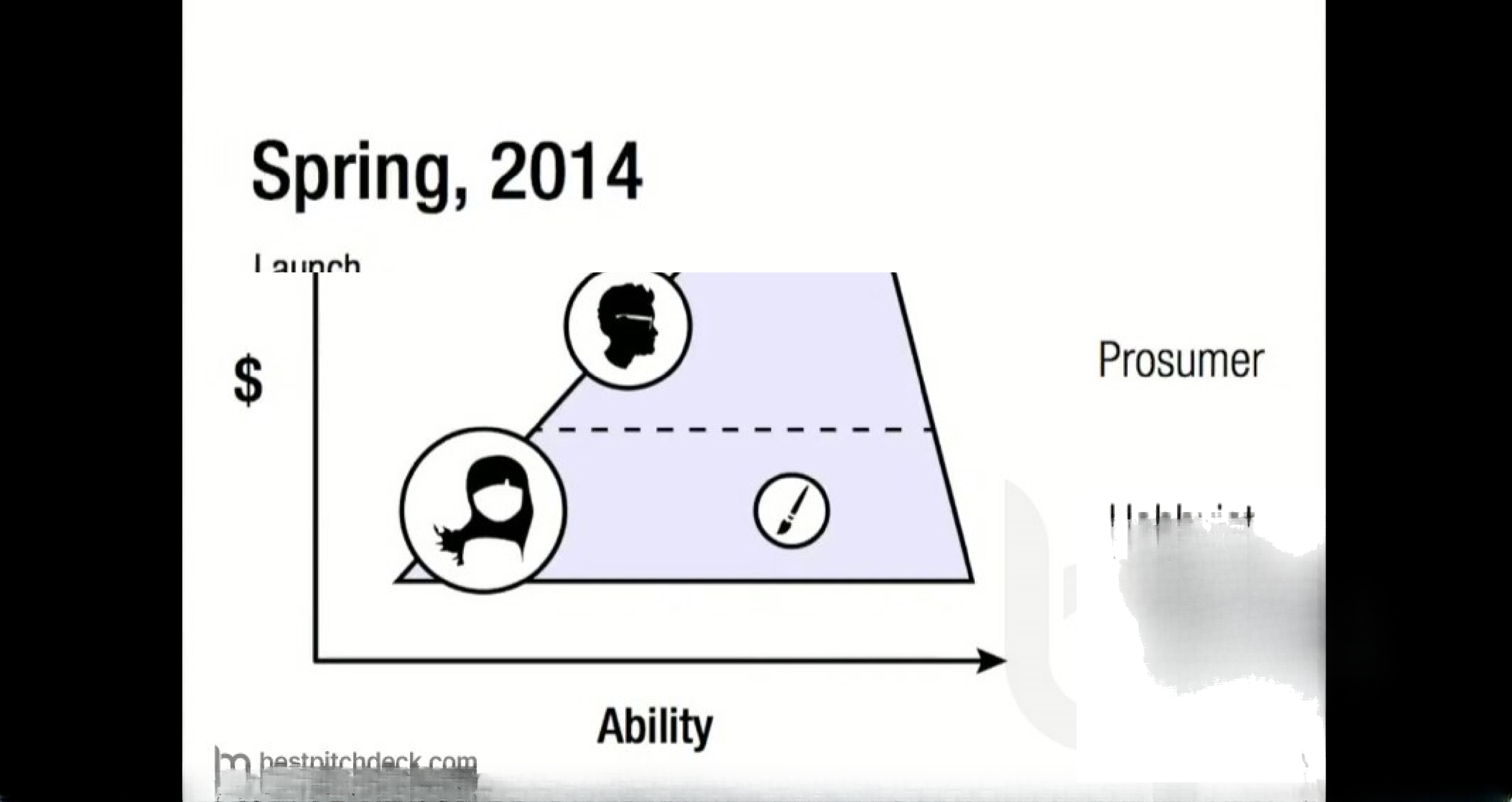
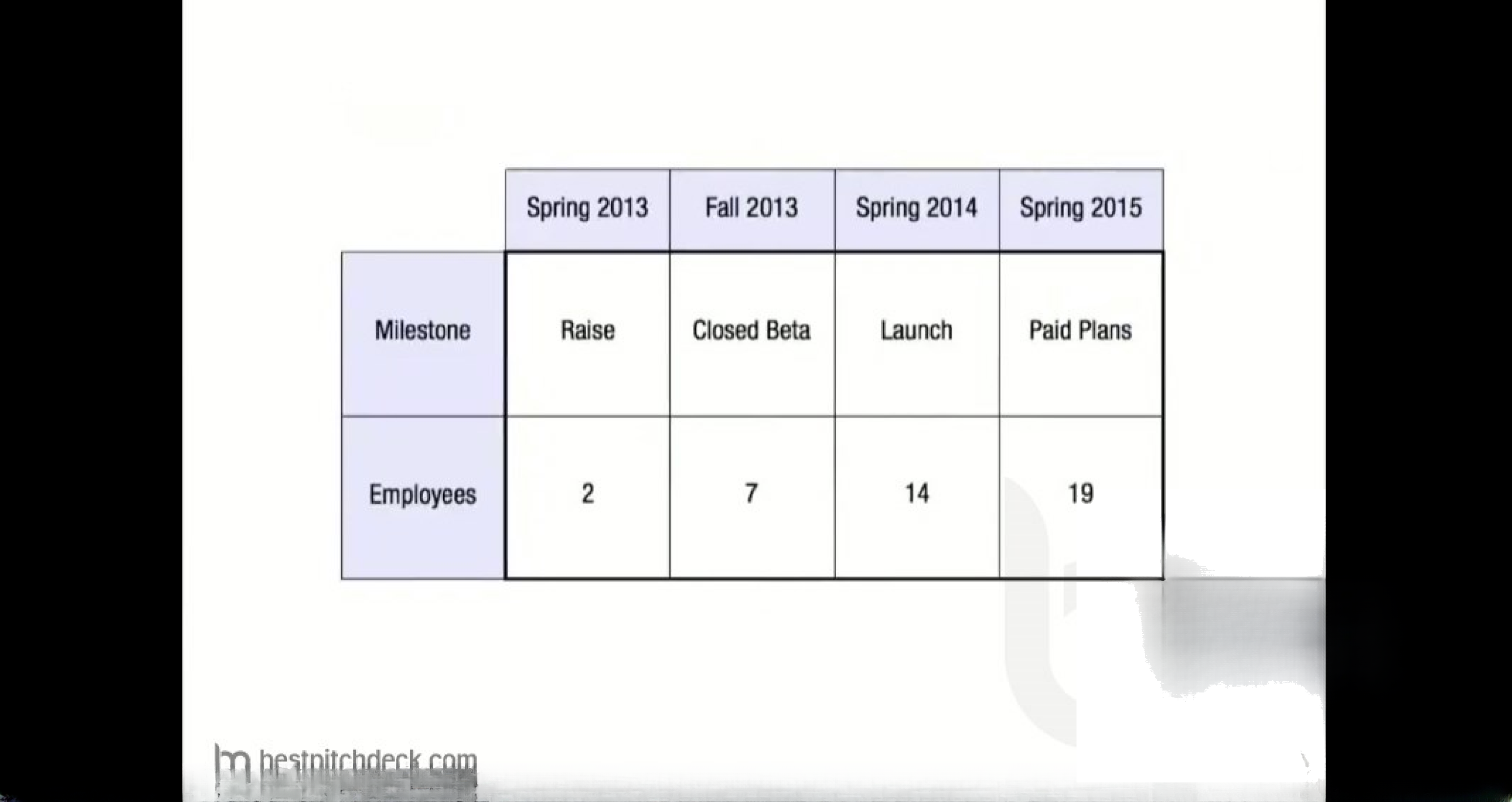
Slide 26 lays out a simple roadmap (raise, closed beta, launch, paid plans) and an ability/revenue diagram that clarifies the intended customer segments (prosumer vs professional). The accompanying milestone slide (slide 28) shows employee growth targets through launch and monetization. This combination gives investors a clear timeline and a hiring plan tied to specific product milestones and monetization moments.

Actionable planning like this helps reduce investor uncertainty: it shows that the team has thought about scaling engineering and support around product launches and pricing. Founders should be explicit about what materially changes at each milestone (e.g., closed beta => usage metrics to validate retention, launch => conversion to paid plans) and tie hiring to measurable outcomes rather than abstract headcounts.

Key Takeaway: Present a short, milestone-driven roadmap with measurable gating criteria and tie hiring to specific go/no-go outcomes.

Conclusion: Key Lessons

This deck’s strengths are clarity, demonstration, and alignment between technical capability and user value. It opens with quick credibility signals, then rapidly moves to hands-on demos and representative product workflows that validate feasibility and desirability. The team pairs those demonstrations with a succinct set of product pillars (accessibility, collaboration, education) and a milestone-driven plan that ties hiring and monetization to product validation.

Actionable advice: lead with credibility but focus the majority of your deck on demonstrable user outcomes (demos, before/after visuals, real edge-case handling). Keep value propositions to 2–3 memorable pillars, show the UI flows that drive adoption, and present a concrete, milestone-driven roadmap with measurable gating criteria. This combination reduces technical skepticism, signals product-market fit intent, and makes it easier for investors to see how funds will accelerate concrete progress.